

Printer Repairs for Homes & Businesses: Reliable, Fast & At Your Door
Need to connect a printer to Wi-Fi, set up HP Smart, install a compatible driver, solve a printing or scanning problem, or inspect a physical fault? Schedule a J2B technician to visit your home or office.
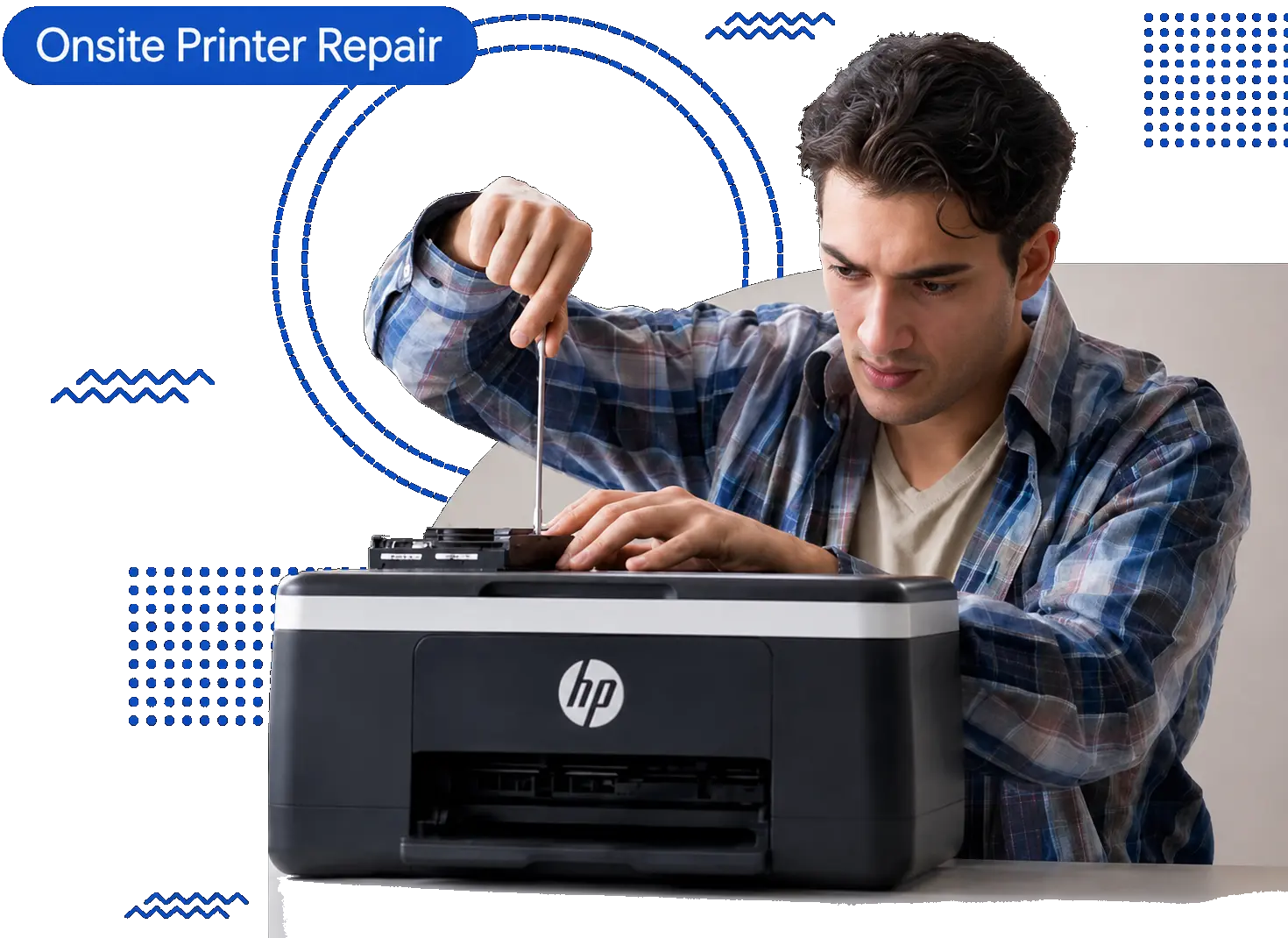
Printer Repair at Your Home or Office
A technician works with your printer and selected devices at your location, whether the issue involves setup, software, wireless printing, or physical components.
Wi-Fi & Wireless Setup
We connect compatible printers to local Wi-Fi and help selected computers, phones, or tablets find the printer.
Drivers & Printer Software
We install compatible manufacturer drivers and printer software for printing, scanning, and basic device communication.
Service at Your Location
The visit takes place at your home or office, so the printer and connected devices are available for testing together.
Printing, Scanning & Physical Issues
We test the requested function and inspect paper-feed, print-quality, printhead, and other physical printer problems when applicable.
How Our On-Site Printer Service Works
Three simple steps to schedule help with setup, connection, software, printing, scanning, or physical printer problems.
Tell Us the Printer Problem
Share the printer model, the device you use, and what is not working when you request the appointment.
Schedule an On-Site Visit
A technician visits your home or office to work on Wi-Fi, wireless printing, drivers, software, device connection, setup, or physical printer service as applicable.
Test the Printer
We test the requested printing, scanning, connection, or hardware function with you before the visit is completed.
Printer Setup, Connection & Service at Your Location
Schedule an on-site visit for Wi-Fi setup, wireless printing, drivers, software, printing or scanning problems, and physical printer issues.
Printer Wi-Fi Setup
We connect compatible printers to your home or office Wi-Fi and confirm the printer is ready for wireless printing.
Schedule an AppointmentPaper Jam Problems
We inspect recurring jams, paper-feed rollers, trays, sensors, and the paper path to identify the cause on-site.
Schedule an AppointmentWireless Printer Setup
We set up compatible wireless printers, connect them to the selected device, and complete a test print at your location.
Schedule an AppointmentHP Printer Wi-Fi Problems
We help connect compatible HP DeskJet, ENVY, OfficeJet, LaserJet, and Smart Tank printers to Wi-Fi on-site.
Schedule an AppointmentPoor Print Quality
We inspect faded pages, streaks, smudges, missing colors, and uneven output to identify printer or supply problems.
Schedule an AppointmentHP Smart Setup Problems
We help add compatible HP printers in HP Smart, check printer discovery, and complete basic printing and scanning setup.
Schedule an AppointmentPrinter Driver Problems
We install a compatible manufacturer driver when a computer cannot recognize or print to the selected printer.
Schedule an AppointmentPaper Feed Problems
We inspect misfeeds, multiple-sheet feeding, pickup rollers, trays, and related paper-feed components.
Schedule an AppointmentPrinter Software Problems
We help install and configure compatible manufacturer printer software for printing, scanning, and device communication.
Schedule an AppointmentPrinthead Problems
We inspect printheads when missing colors, streaks, faded output, or inconsistent printing affects the page.
Schedule an AppointmentPrinter Connection Problems
We check the connection between a compatible printer and the customer's computer, phone, tablet, or local network.
Schedule an AppointmentMechanical Printer Problems
We inspect grinding, clicking, paper-feed problems, and other mechanical symptoms at your home or office.
Schedule an AppointmentPrinter Problems We Fix Every Day
Sound familiar? Schedule a visit and we'll take care of it at your location.
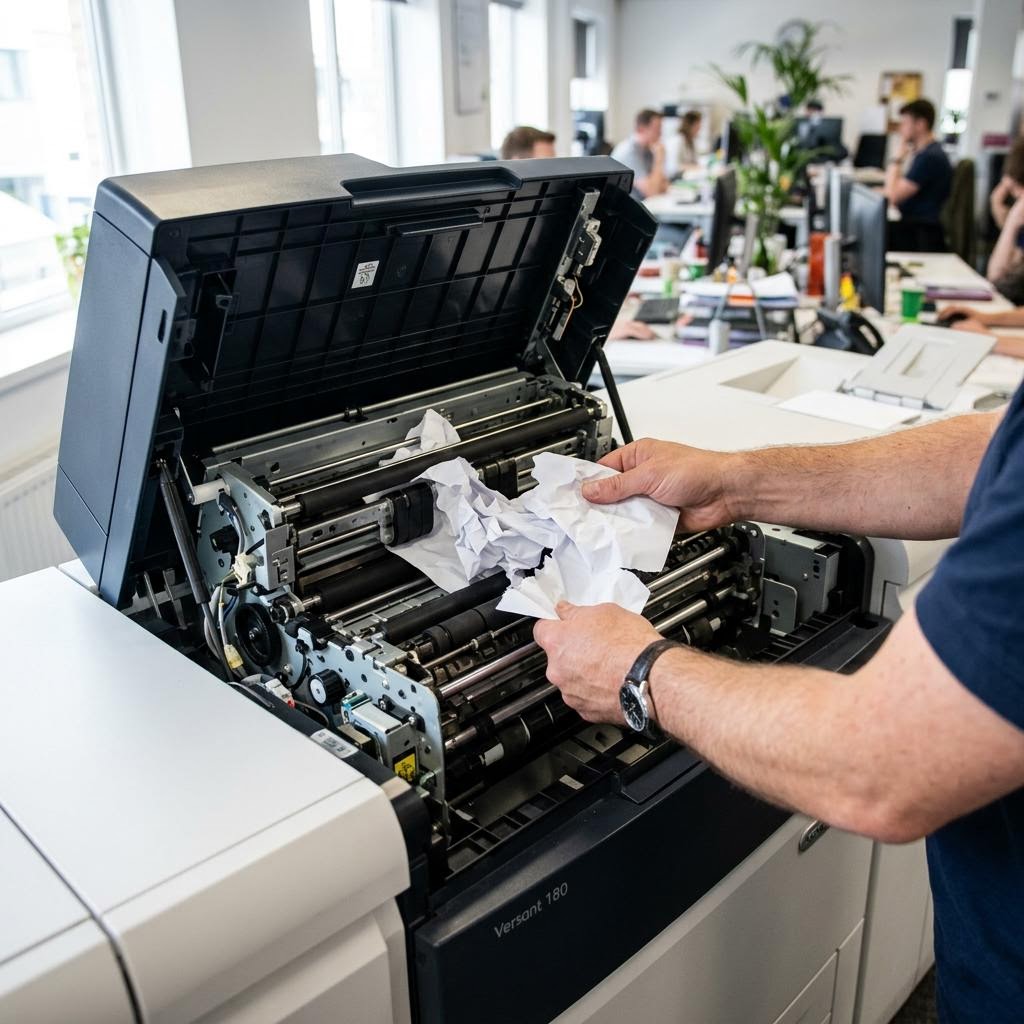
Paper sticks or jams repeatedly during printing.
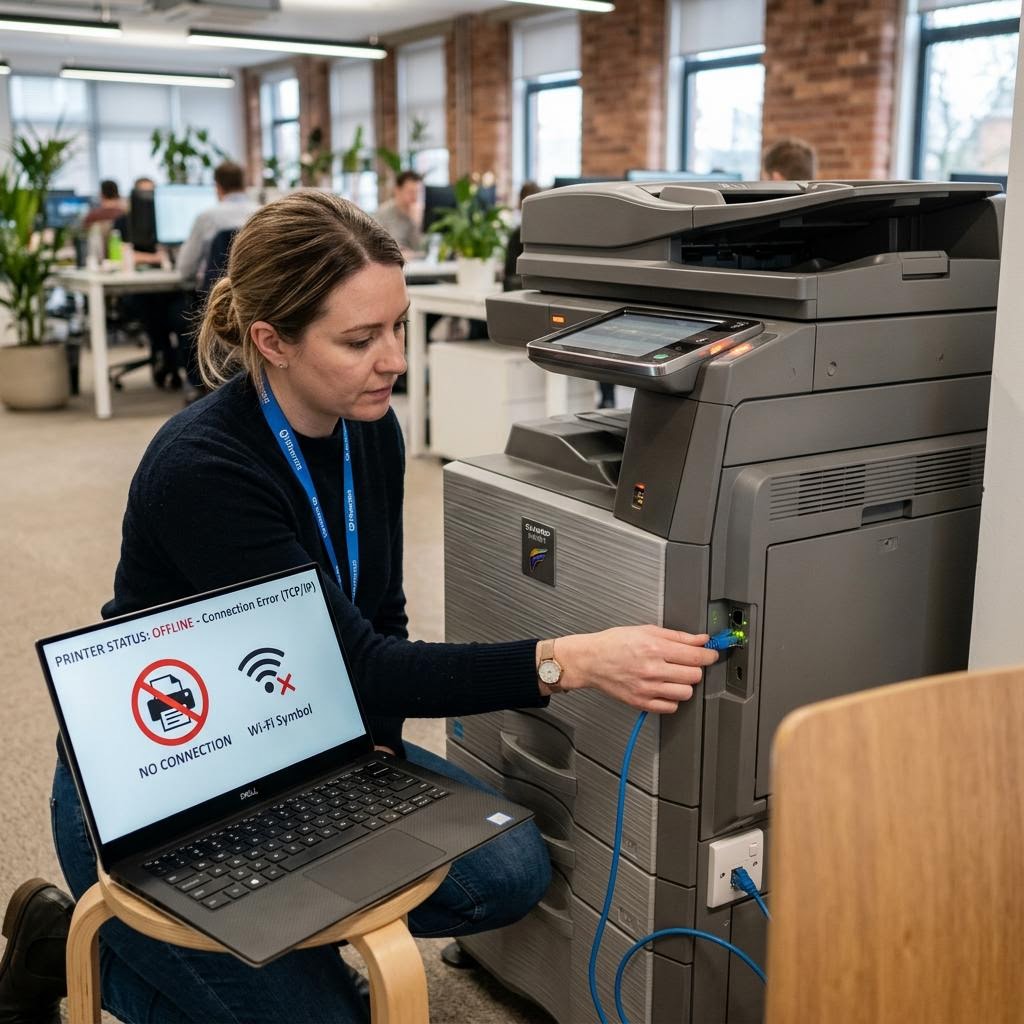
The printer needs to be connected to local Wi-Fi.
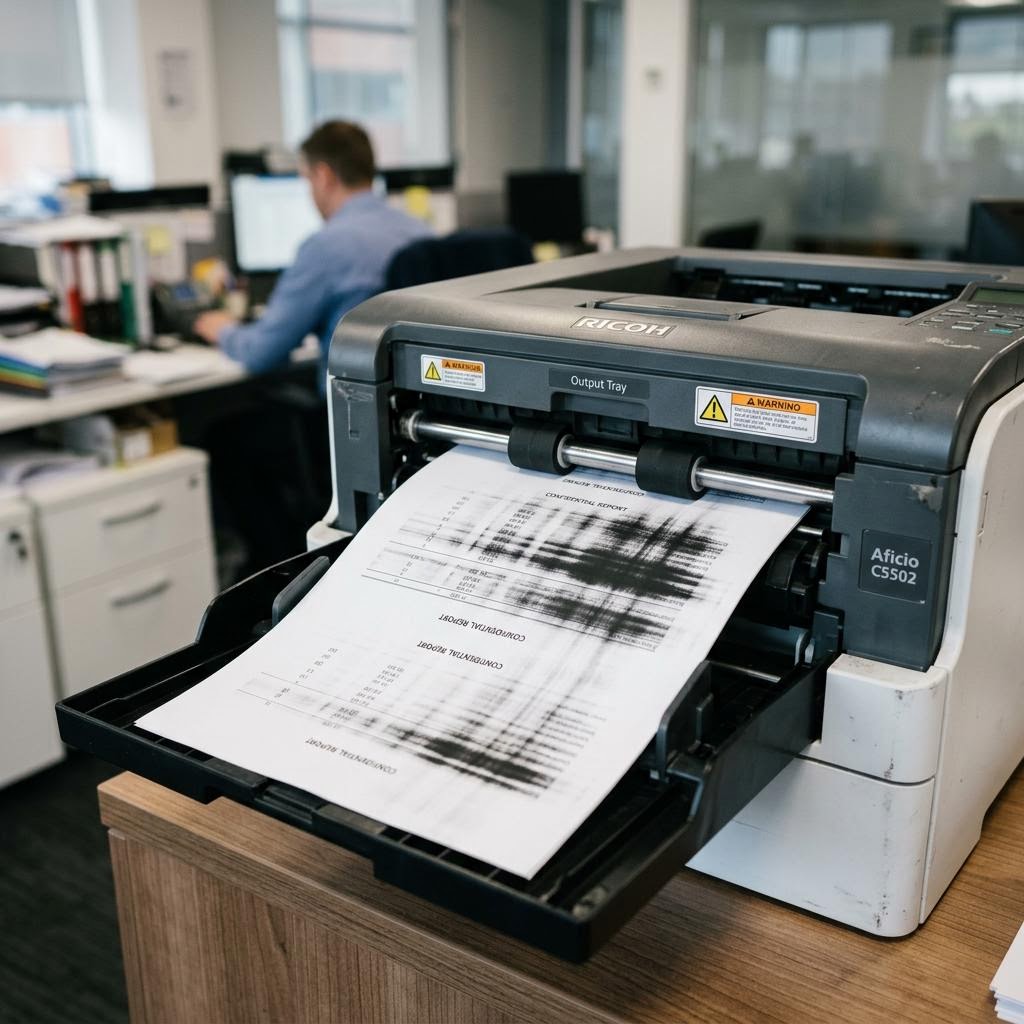
Pages show streaks, smudges, or uneven output.
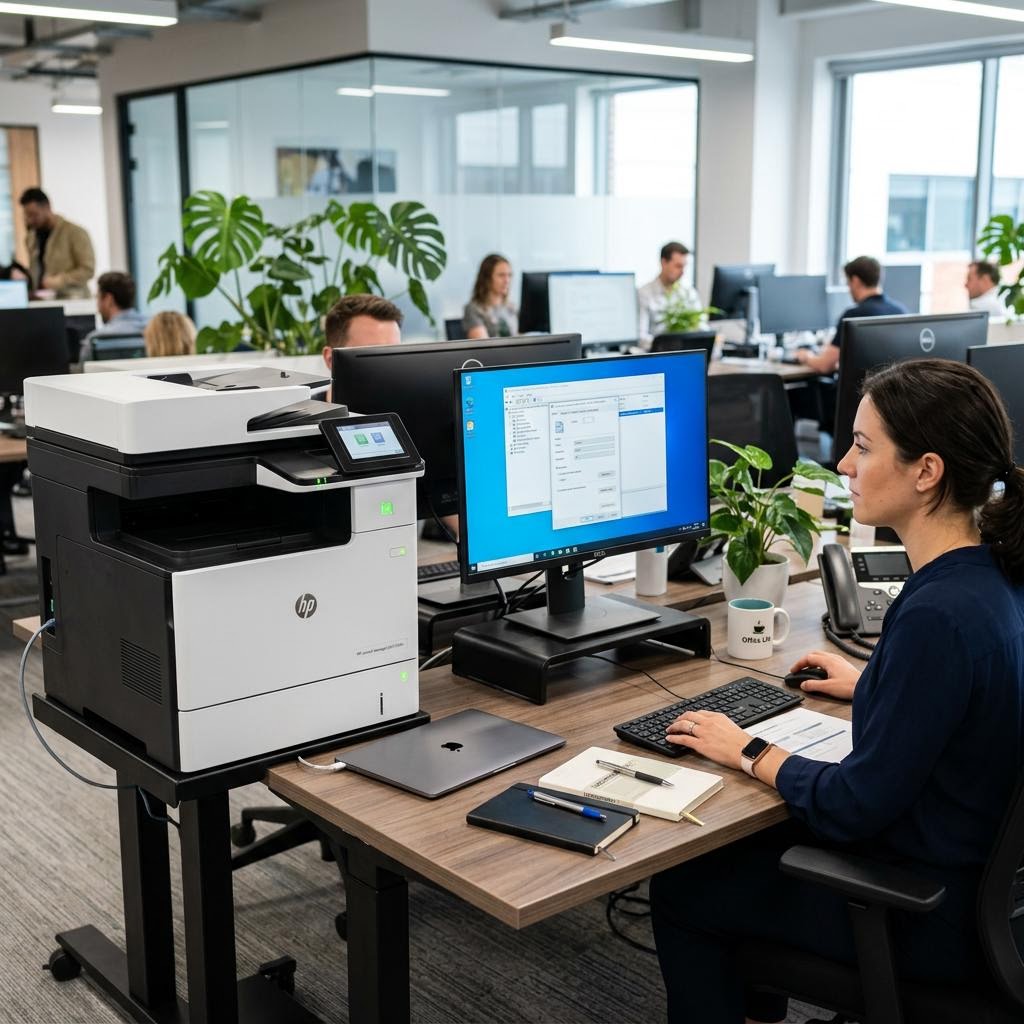
HP Smart cannot add or find a compatible HP printer.
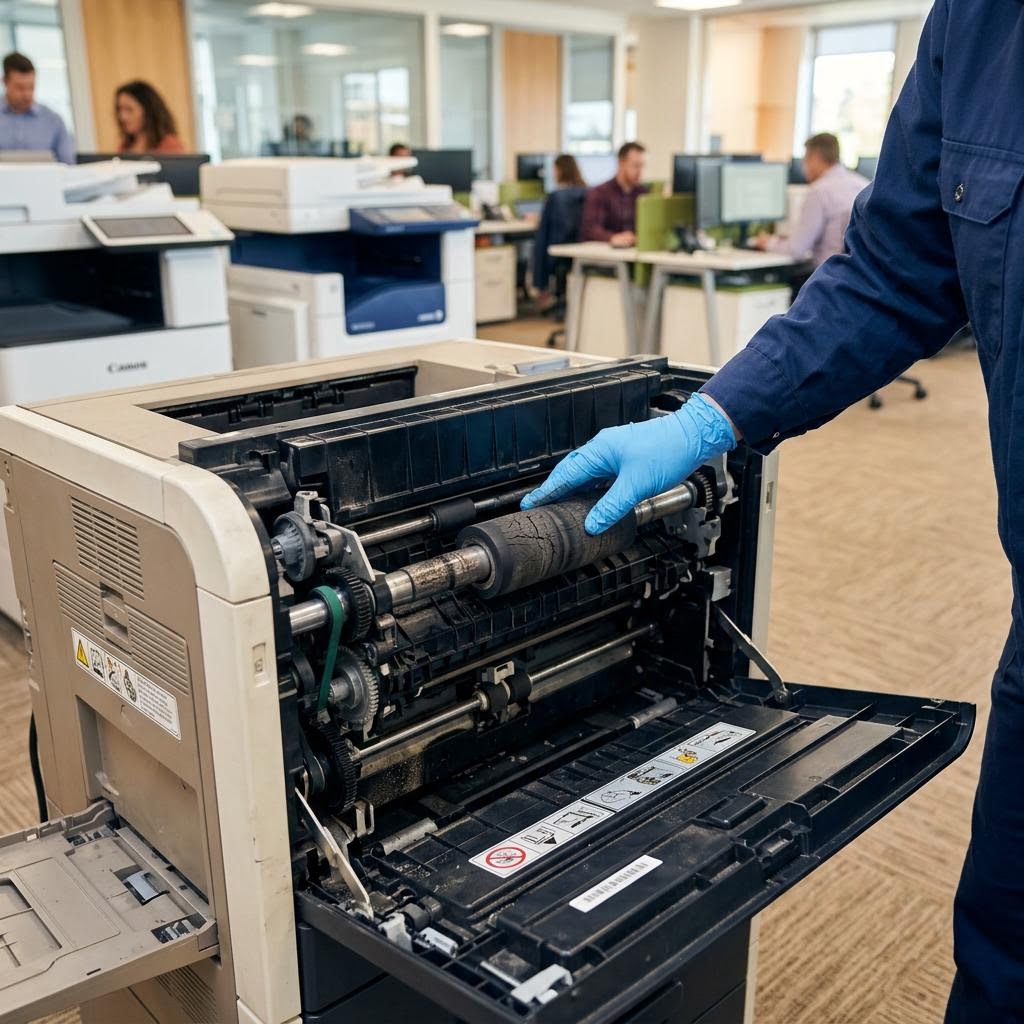
Rollers turn, but paper does not feed correctly.
A computer cannot recognize or print to the printer.
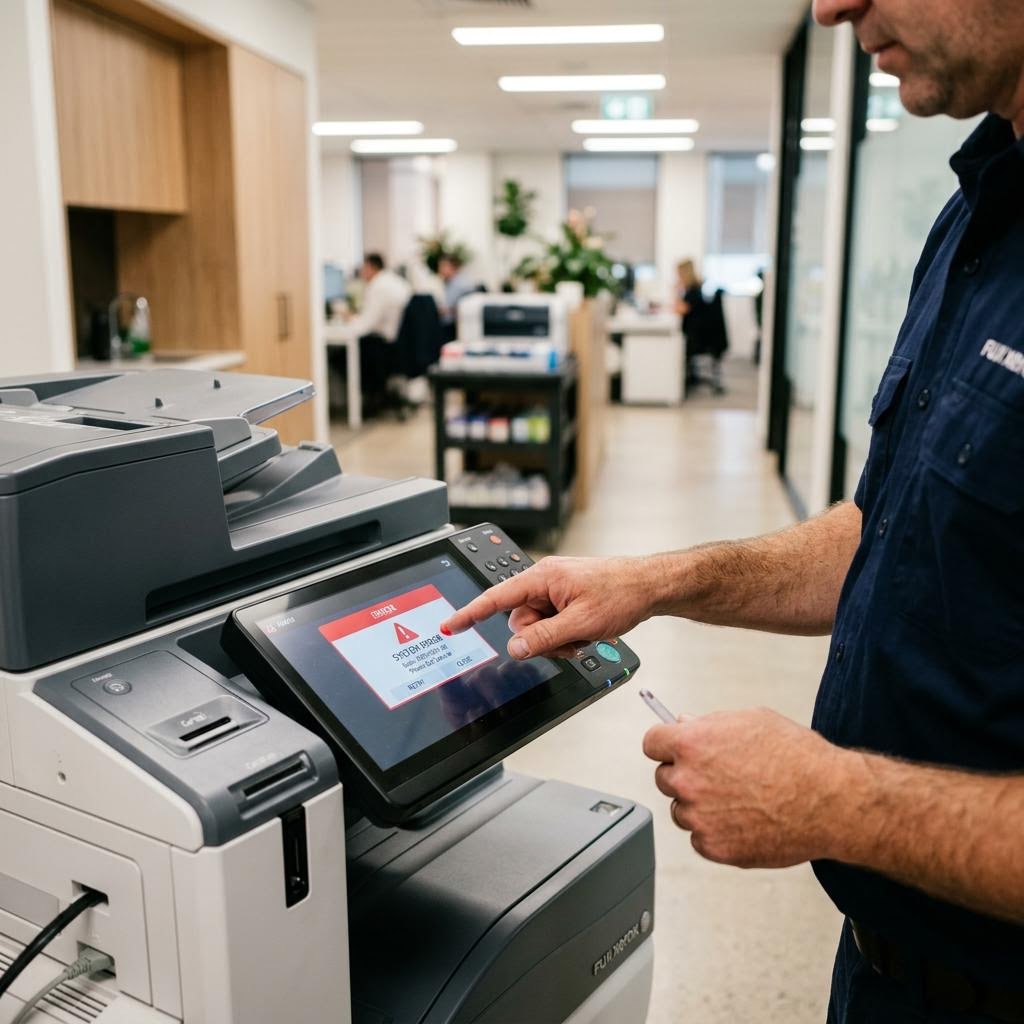
The printer displays an error that interrupts use.
A compatible wireless printer needs first-time setup.
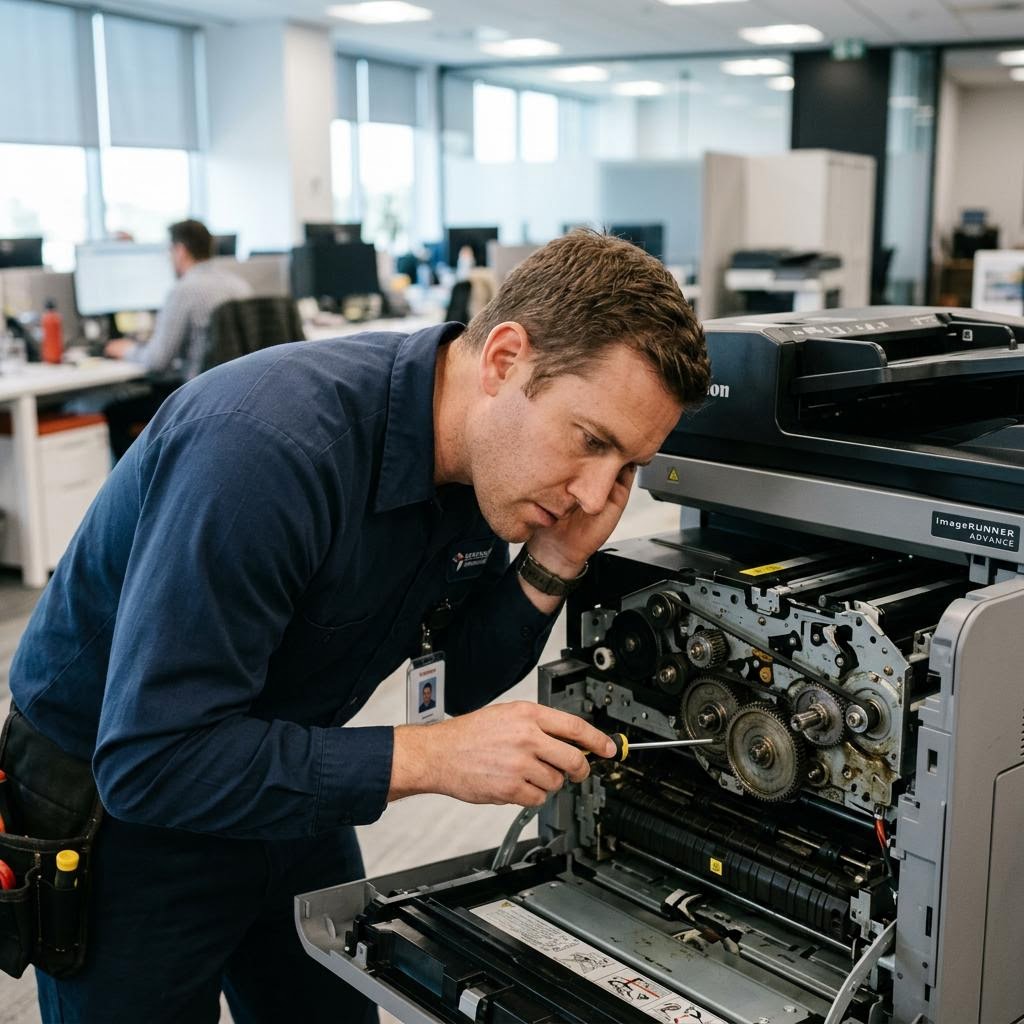
Unusual sounds may indicate worn mechanical parts.
A computer, phone, or tablet cannot find the printer.
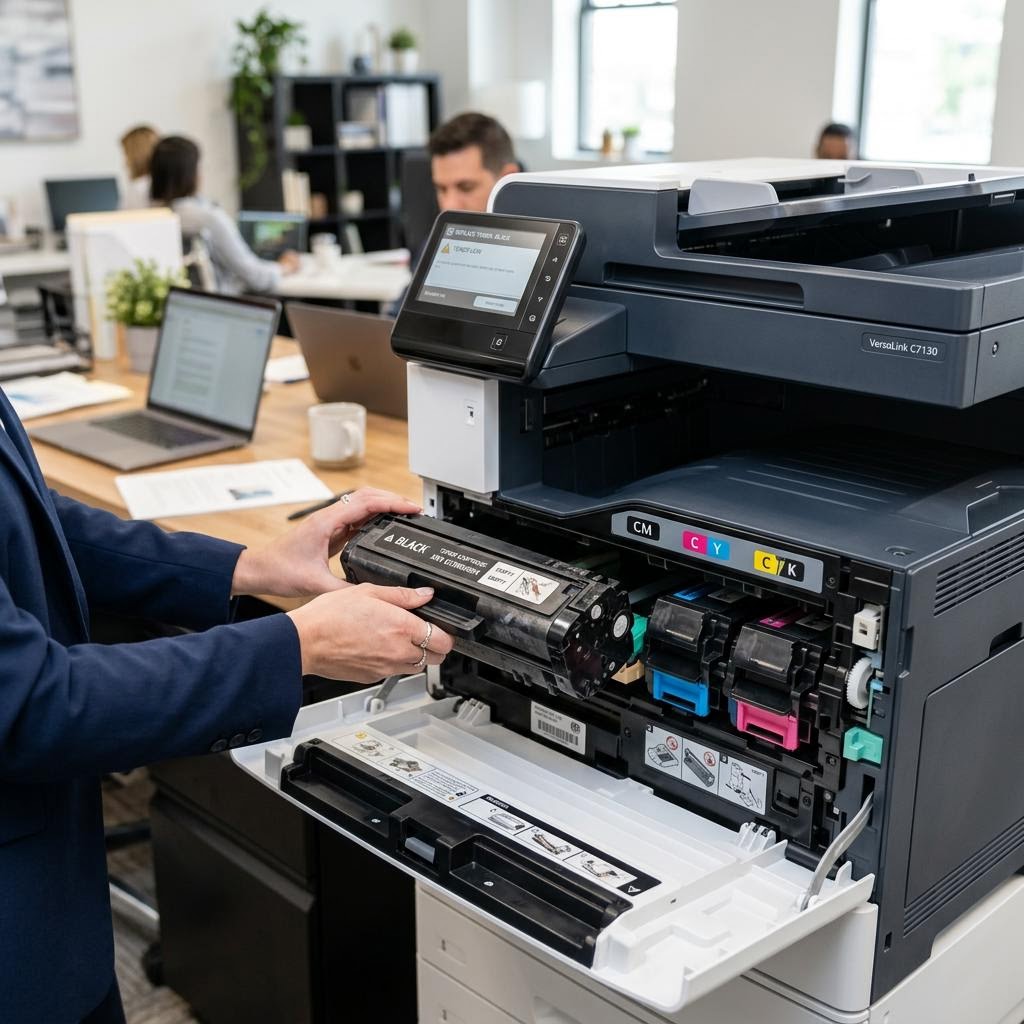
Toner, ink, or cartridge problems affect normal use.
The printer and selected device are not communicating.
Missing colors or streaks may point to the printhead.
Compatible printer software is missing or not working.
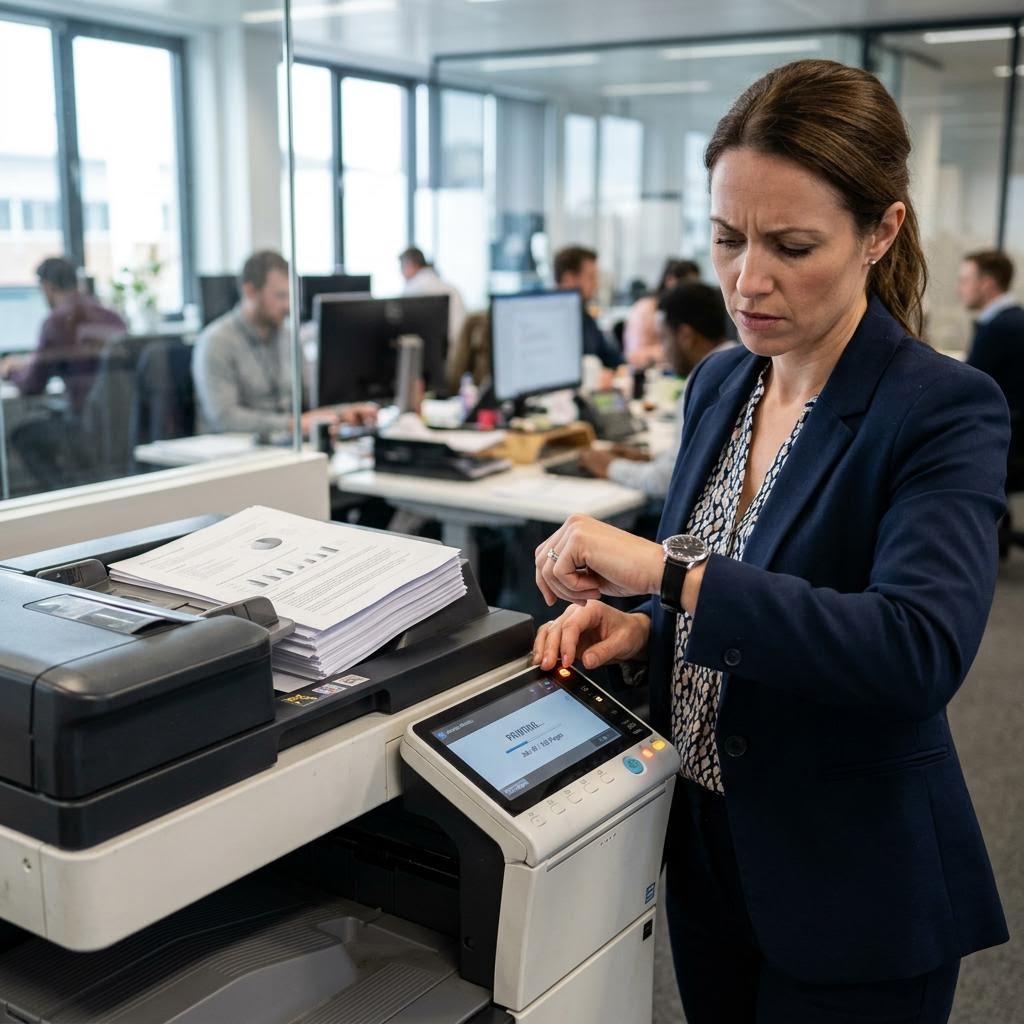
The printer is powered on but does not respond normally.
The selected device shows the printer as unavailable.
Pages misfeed, feed together, or enter at an angle.
A compatible manufacturer driver needs installation.
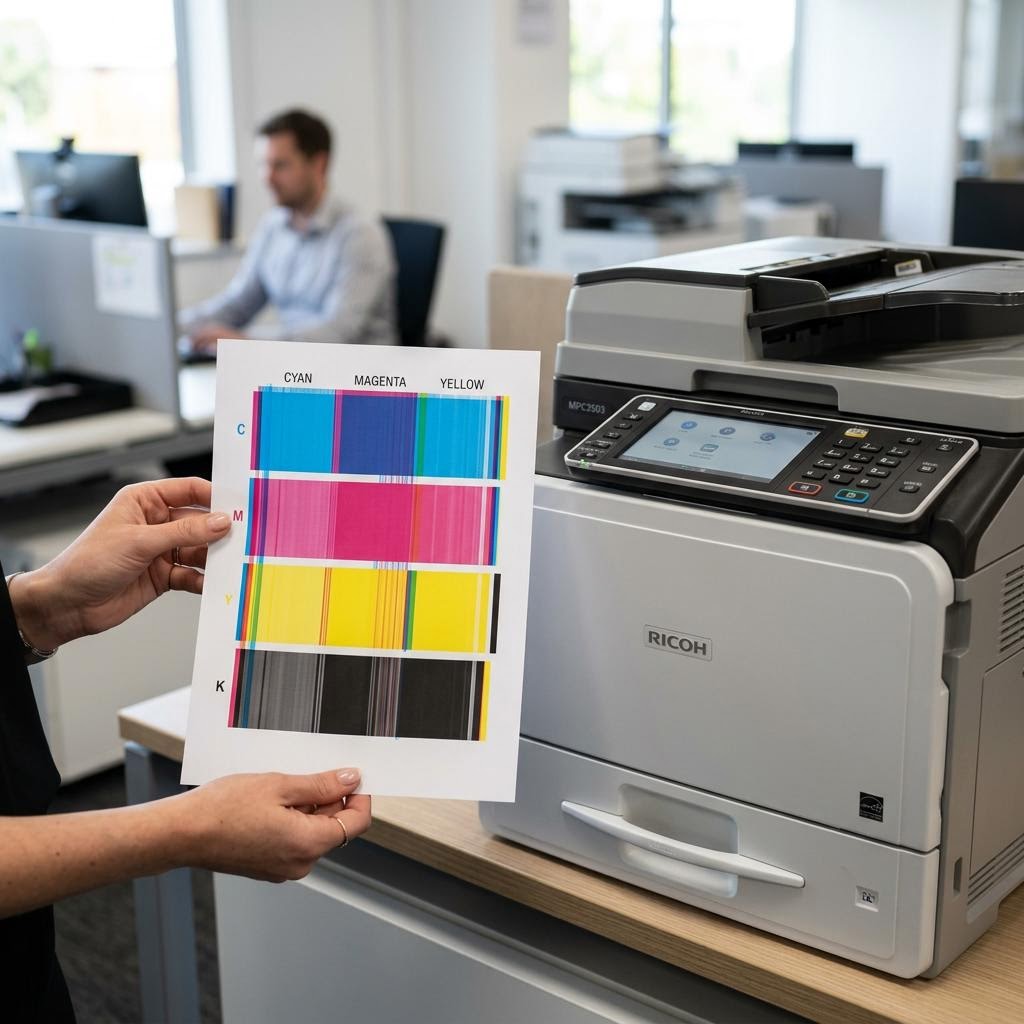
Pages appear faded, blurred, streaked, or incomplete.
The printer is on, but requested documents do not print.
Paper sticks or jams repeatedly during printing.
The printer needs to be connected to local Wi-Fi.
Pages show streaks, smudges, or uneven output.
HP Smart cannot add or find a compatible HP printer.
Rollers turn, but paper does not feed correctly.
A computer cannot recognize or print to the printer.
The printer displays an error that interrupts use.
A compatible wireless printer needs first-time setup.
Unusual sounds may indicate worn mechanical parts.
A computer, phone, or tablet cannot find the printer.
Toner, ink, or cartridge problems affect normal use.
The printer and selected device are not communicating.
Missing colors or streaks may point to the printhead.
Compatible printer software is missing or not working.
The printer is powered on but does not respond normally.
The selected device shows the printer as unavailable.
Pages misfeed, feed together, or enter at an angle.
A compatible manufacturer driver needs installation.
Pages appear faded, blurred, streaked, or incomplete.
The printer is on, but requested documents do not print.
Select Your Printer and Describe the Issue
Enter your contact information, printer model, service address, and the issue you are experiencing.
Why Choose J2B for Printer Setup & Service?
Get in-person help with the printer and selected devices at your home or office.
- On-site service — the technician works with the printer, Wi-Fi, and selected devices at your location.
- Setup and wireless connections — help connecting compatible printers to Wi-Fi and selected devices.
- Drivers and software — installation and configuration of compatible manufacturer printer software.
- Printing and scanning problems — test the requested function using your printer and device together.
- Physical printer service — inspection of paper jams, paper-feed, print-quality, printhead, and mechanical problems.
Having Trouble With Your Printer?
From Wi-Fi setup and wireless printing to driver problems, printer setup, printing issues, and physical printer problems, schedule an on-site visit at your home or office.
Frequently Asked Questions
Can you help connect my printer to Wi-Fi?
Yes. We can connect a compatible printer to your home or office Wi-Fi and test wireless printing from a selected device.
Can you help set up a wireless printer?
Yes. We can unbox and set up a compatible wireless printer, connect it to Wi-Fi and selected devices, and complete a test print.
Can you help with HP Smart?
Yes. We help add compatible HP printers in HP Smart and check basic printing, scanning, and printer discovery.
Can you help with printer drivers?
Yes. We can install a compatible manufacturer driver for your printer model and computer operating system.
My computer can't find my printer. Can you help?
Yes. We check printer discovery, device settings, compatible software, and the connection between the printer and computer.
My printer is connected but won't print. Can you help?
Yes. We check the selected printer, print queue, compatible driver and software, supplies, settings, and physical printer condition.
Can you help set up a new printer?
Yes. We can unbox and install a compatible printer, load ink or toner, connect selected devices, and complete a test print.
Can you help with printer scanning problems?
Yes. We check compatible scan software, device selection, printer settings, and the connection used for scanning.
Do you repair physical printer problems?
Yes. We inspect paper jams, paper-feed problems, poor print quality, printheads, error codes, and mechanical symptoms at your location.
Which printer models do you service?
We help with many compatible HP, Canon, Epson, Brother, Lexmark, and Xerox home and office printer families. Provide the exact model when scheduling so we can confirm the service scope.